Skip to content
Oryx.
Digital Transformation

Better systems. More possibilities.

Explore the overview
New enquiryWebsite formSales handoffLead ownerRequest capturedReady to follow upEvery enquiry gets a clear next step.
AI assistants · Connected workflows
AI & AutomationPut repetitive work on a smarter path.
Pipeline · Sales · Follow-upOdoo CRMKeep opportunities and follow-ups connected.Microsoft 365 · Power Platform · CopilotMicrosoft SolutionsHelp your team work better together.
Websites & AppsDigital MarketingHosting & Support
العربيةStart a project
Digital Transformation/AI & Automation
Less repetitive work. More room to grow.

Connect your tools.
Let work flow.

Turn requests and documents into clear next steps. We build AI workflows around your tools, your team and the way your business works.

Discuss a workflow↗See what’s possible↓
  • Your existing tools
  • Human review built in
  • Start with a pilot
ORYX / Connected workflowsIllustrative preview
Sales enquiries

From enquiry to follow-up

New enquiryWebsite formSales handoffLead ownerRequest capturedReady to follow upEvery enquiry gets a clear next step.
AI prepares. People decide.● ● ●
Documents

From document to review

InvoiceINV-1042EGP 4,800Invoice referenceINV-1042Total extractedEGP 4,800Review requiredBefore postingLess retyping. Your team stays in control.
AI prepares. People decide.● ● ●
Customer support

From request to the right team

Support requestI can’t sign inAccess issue identifiedBillingSalesIT supportContext includedOne request. The right specialist.
AI prepares. People decide.● ● ●
✳What we build

One workflow. All the right connections.

Useful automation combines connected tools, clear rules and AI where it can help.

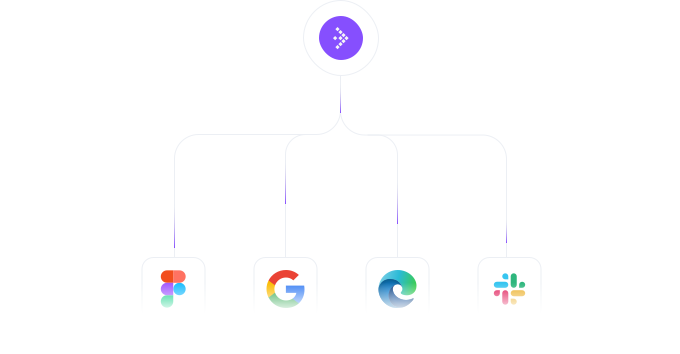
Connect your everyday tools

Move information between your forms, inbox, CRM and business apps. We check the available connections before choosing the approach.
Illustrative interface

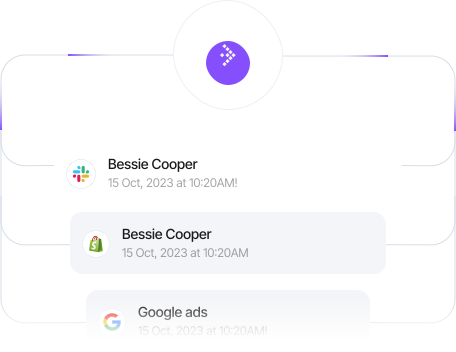
Act on the right signals

A request arrives, a deadline approaches or an approval is needed. Give each event an agreed next step.
Illustrative interface

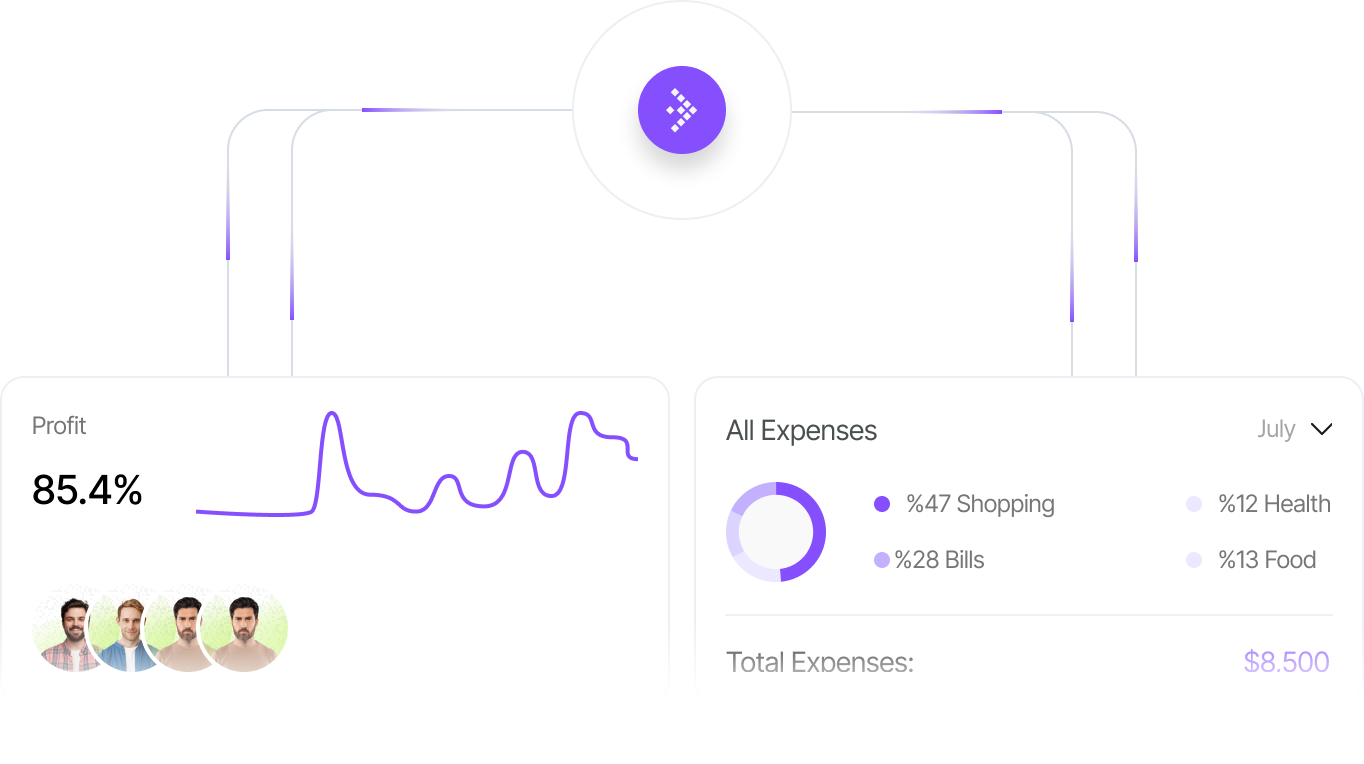
Put AI inside the process

Read requests, extract details and prepare useful drafts, with a review point where judgement matters.
Illustrative interface

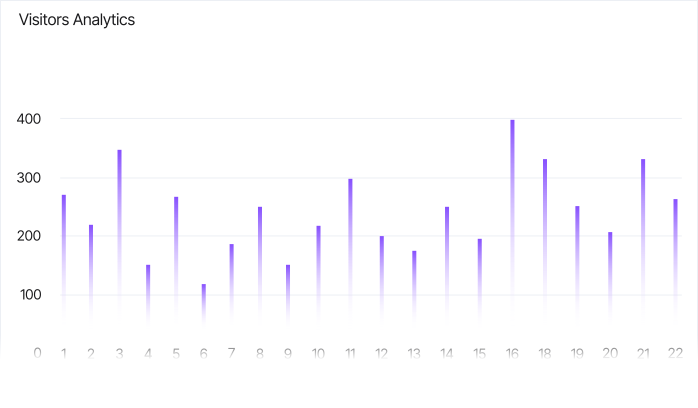
Keep the handoff connected

Send the result to the right person and system, with ownership and exception handling defined.
Illustrative interface
See it in action

What could your team stop doing manually?

Choose an example to see the workflow and what changes for your team.

Turn a new enquiry into a clear next action.

Less copying. A clearer handover. Enquiries with someone responsible for the next step.

AI assistance
Read the request, extract the requirements and prepare a short brief for your sales team.
The automated step
Create a CRM record, assign an owner using agreed rules and schedule a follow-up task.

✓Your sales team checks the brief and approves the customer response.

New enquiryWebsite formSales handoffLead ownerRequest capturedReady to follow upEvery enquiry gets a clear next step.
Illustrative example · sample dataSelect a stage

Move from an invoice attachment to a review-ready record.

Less retyping, visible exceptions and a consistent review process.

AI assistance
Extract proposed fields from the document and flag missing or unclear information.
The automated step
Check required fields and potential duplicates, then send a draft record to the approval queue.

✓Finance approves the values before posting. Payment remains a separate authorised action.

InvoiceINV-1042EGP 4,800Invoice referenceINV-1042Total extractedEGP 4,800Review requiredBefore postingLess retyping. Your team stays in control.
Illustrative example · sample dataSelect a stage

Give your team a head start on each support request.

Less time sorting requests. More context when the right person picks them up.

AI assistance
Summarise the issue, suggest a category and draft a response from approved support material.
The automated step
Open a ticket, route it to the right queue and escalate requests that need specialist attention.

✓An agent checks the suggested response. Sensitive requests go to a person.

Support requestI can’t sign inAccess issue identifiedBillingSalesIT supportContext includedOne request. The right specialist.
Illustrative example · sample dataSelect a stage

Help people find answers in the documents you trust.

Less searching and fewer repeated questions, with a source the reader can check.

AI assistance
Find relevant passages in approved documents and draft an answer with links to the sources.
The automated step
Respect the user’s document permissions and route unanswered questions to the content owner.

✓Readers can check the source. Missing or conflicting information is flagged instead of guessed.

How do I request a purchase?Purchase policy1A sourced answer123View policy sourceUseful answers, traceable to your knowledge.
Illustrative example · sample dataSelect a stage
✳Connected to your business

Work with the tools you already know.

Connect Odoo, Microsoft, Slack, Google Sheets, your CRM and more. We check APIs, licences and permissions before choosing which tools fit your workflow.

↗Explore Odoo↗Explore Microsoft
✳Our process

From a recurring task to a working workflow.

Start small, test the details and build confidence before rolling out more widely. Explore each stage of an Oryx automation project.

↗Talk through your process
RequestOwnerApprovalOutcome
✓
Map the handoffsSet a baseline

Choose the right starting point

Walk through a repetitive process with the people who do it. Agree the outcome before choosing a tool.

Map the handoffs

Understand inputs, owners and exceptions.

Set a baseline

Choose what to compare before and after the pilot.

WORKFLOW BUILDERCRM triggerReview before actionConnected
✓
Keep access intentionalInclude the review step

Connect and build

Configure the agreed integrations, business rules and AI assistance around your existing systems.

Keep access intentional

Use the permissions and data needed for the task.

Include the review step

Define what can proceed and what needs approval.

Test the exceptions.Complete dataContinueMissing fieldRequest a correctionService unavailableAlert the ownerHuman review
✓
Review the exceptionsRefine the workflow

Test with real scenarios

Run a limited pilot. Review useful results, failed runs and unusual inputs with your team.

Review the exceptions

Test incomplete information and unavailable systems.

Refine the workflow

Adjust prompts, rules and handoffs based on the pilot.

RUNBOOKYour team takes over.Named ownerClear next stepsMonitor & respond
✓
A practical handoverA plan to improve

Launch with clear ownership

Prepare your team to use the workflow, monitor it and know what to do when something needs attention.

A practical handover

Document responsibilities and day-to-day operation.

A plan to improve

Agree ongoing support and review before expanding.

Before we begin

A few practical questions.

Clear scope, clear responsibilities. Let’s talk through what your first workflow needs.

Do we need to replace our systems?+

Not necessarily. We review your existing tools and available integrations first. A pilot can connect selected steps without replacing the whole process.

Does every workflow need AI?+

No. Clear, predictable steps often work well with rules. AI is useful where a task involves interpreting text, finding relevant information or preparing a draft.

What determines the cost and timeline?+

The systems involved, access to data, review requirements and expected volume. We agree the pilot scope and discuss ongoing platform costs before implementation.

✳Your next step

Give repetitive work a better way forward.

Tell us what your team repeats, where the handoffs slow down and what you want to change. We’ll help you choose a practical first workflow.

↗Start the conversation
Oryx.

Transformation, done properly.

info@oryxlab.comWhatsApp

Explore

Digital TransformationWebsites & AppsDigital MarketingHosting & SupportAI & AutomationOdooMicrosoft 365

Oryx

WorkAboutContactSupportReferrals

Details

PrivacyTerms

Cairo, Egypt. Working everywhere.

© 2026 Oryx Lab LLC